





Error using MySQL Workbench – unhandled exception list index out of range.
Posted by Sriram Sanka on December 10, 2021
While Loading the data using MySQL Workbench, you may hit the error unhandled exception list index out of range
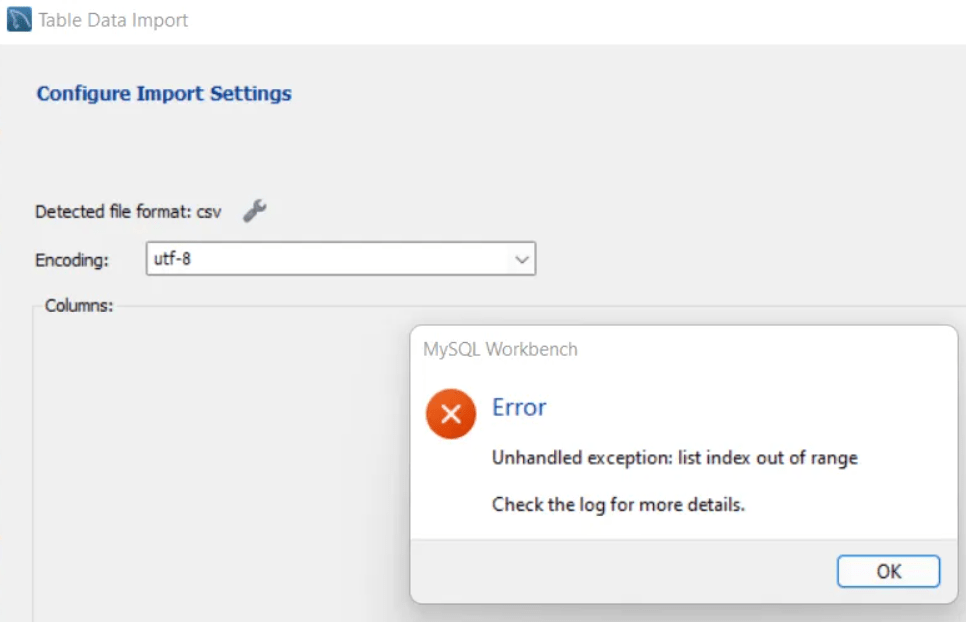
There are no clues in the workbench log files, in such cases you can load the Data Using MySQL LOAD DATA Statement . Which will load the data very fast and without errors.
mysql> LOAD DATA LOCAL INFILE "C:/\Patient.csv"
-> INTO TABLE xxhc_patient
-> FIELDS TERMINATED BY ','
-> ENCLOSED BY '"'
-> LINES TERMINATED BY '\n'
-> IGNORE 1 ROWS;
Query OK, 58 rows affected, 232 warnings (0.04 sec)
Records: 58 Deleted: 0 Skipped: 0 Warnings: 232
In case if you get the following errors , run the below commands and re-execute load data statements.
ERROR: Loading local data is disabled - this must be enabled on both the client and server sides
ERROR 2068 (HY000): LOAD DATA LOCAL INFILE file request rejected due to restrictions on access.
mysql> SET GLOBAL local_infile=1;
mysql --local_infile=1 -u<username> -p<Password> DB_NAME
Leave a Reply