





Oracle Cloud World(OCW25) Tour Mumbai 2025 & Download – OCW-24 Resources
Posted by Sriram Sanka on January 8, 2025

Oracle has announced OracleCloudWorld(OCW25) Tour Mumbai 2025, which is scheduled On Feb 6, 2025, https://www.oracle.com/in/cloudworld-tour/ & you can check all the session details at https://reg.rf.oracle.com/flow/oracle/mumbai25/catalog/page/catalog.
BTW, Did you get a chance to download the PPT/PDF from the previous year? if not, you can refer to the following to download as needed.
Thanks to Connor for sharing the URL https://raw.githubusercontent.com/connormcd/misc-scripts/refs/heads/master/ocw_file_list in his blog post a few months ago.
source : https://connor-mcdonald.com/2024/09/20/the-cloudworld-2024-mega-download/
Here is the Python Code to go through all the lists and Download.
import os
import requests

# Define the URL containing the list of files
file_list_url = "https://raw.githubusercontent.com/connormcd/misc-scripts/refs/heads/master/ocw_file_list"

# Define the output directory for downloaded files
output_dir = "downloaded_pdfs"
os.makedirs(output_dir, exist_ok=True)

def download_file(file_name, file_url):
    try:
        response = requests.get(file_url, stream=True)
        response.raise_for_status()
        file_path = os.path.join(output_dir, file_name)
        with open(file_path, "wb") as file:
            for chunk in response.iter_content(chunk_size=8192):
                file.write(chunk)
        print(f"Downloaded: {file_name}")
    except requests.exceptions.RequestException as e:
        print(f"Failed to download {file_name} from {file_url}: {e}")

def main():
    try:
        # Fetch the file list
        response = requests.get(file_list_url)
        response.raise_for_status()
        file_list = response.text.splitlines()

        # Process each line in the file list
        for line in file_list:
            if line.strip():
                # Split the line into file name and URL
                parts = line.split(maxsplit=1)
                if len(parts) == 2:
                    file_name, file_url = parts
                    download_file(file_name, file_url)
                else:
                    print(f"Invalid line format: {line}")

    except requests.exceptions.RequestException as e:
        print(f"Failed to fetch file list: {e}")

if __name__ == "__main__":
    main()
This creates a Directory called “downloaded_pdfs” and get all the resources listed on the above URL.
Just Save this file as ocw24.py and execute using python “python ocw24.py”

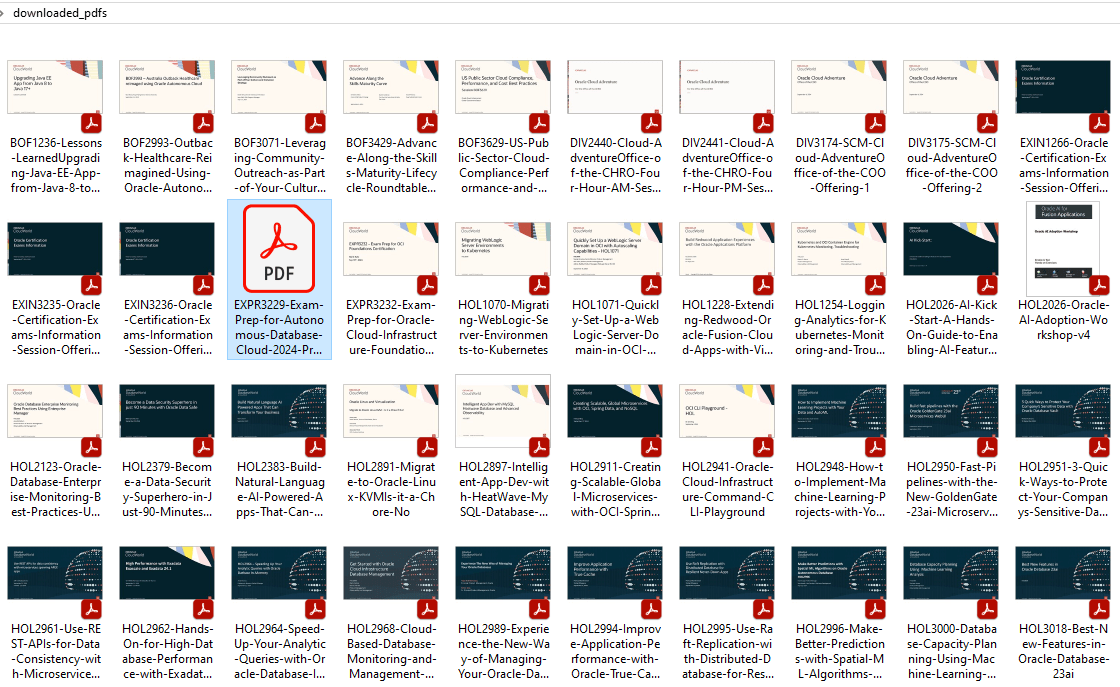
Having Session PPT/PDF helps individuals to focus more on the latest tech trends and learn. Hope this post helps you to learn new.
-Sriram Sanka
Leave a Reply