





Quick Steps to Install Oracle 19c in Windows
Posted by Sriram Sanka on June 14, 2019
Step 1 : Download Oracle 19c DB software for Windows using https://www.oracle.com/technetwork/database/enterprise-edition/downloads/index.html
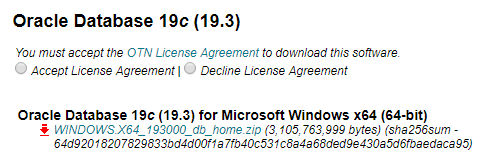
Step 2 : Unzip using 7-Zip to your Destination folder.
Step 3 : Navigate to the Extracted Home Folder and Click on Setup.Exe. 
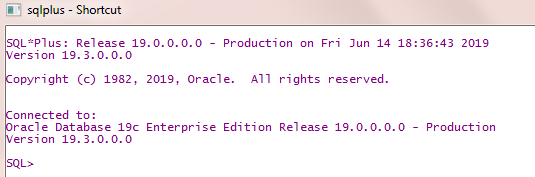
These 3 Simple Steps will launch “OUI” for Installing 19c , go-ahead and proceed with the Interactive ” Next ” Options.
Happy Reading !
Leave a Reply