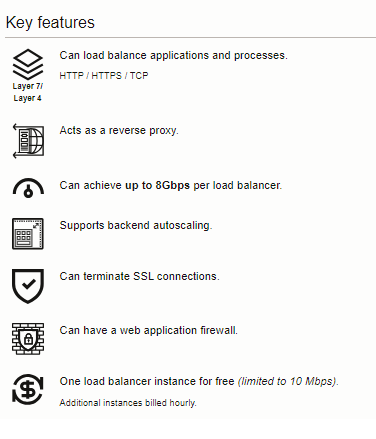
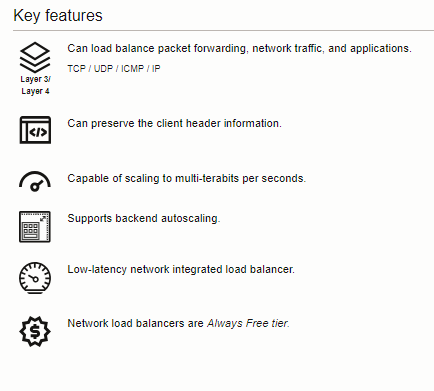
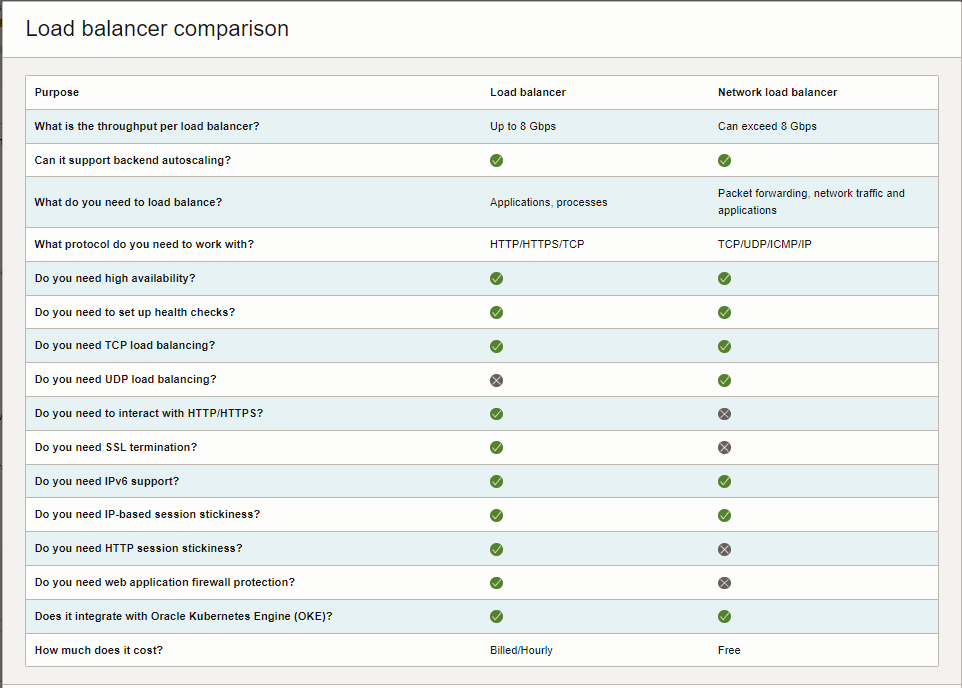
Oracle has Two Load Balancer Services available. , In case if you are not sure which one is best for you and what are the differences, you can refer the following chart provided by Oracle. https://cloud.oracle.com/load-balancers#
Load balancer
The load balancer service provides a reverse proxy solution that hides the IP of the client from backend application server and vice versa. It is capable of performing advanced layer 7 (HTTP/HTTPS), layer 4 (TCP) load balancing and SSL offloading.
Best for: Websites, mobile apps, SSL termination, and advanced HTTP handling.
Network load balancer
The network load balancer service provides a pass-through (non-proxy solution) that is capable of preserving the client header (source and destination IP). It is built for speed, optimized for long running connections, high throughput and low latency.
Best for: Scaling network virtual appliances such as firewalls, real-time streaming, long running connections, Voice over IP (VoIP), Internet of Things (IoT), and trading platforms.
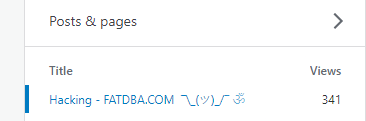
In my Previous Post, I tried to Download the Content from the Blogs and store it in the File System, This Increased my Google Search Engine Stats and Blog traffic as well.
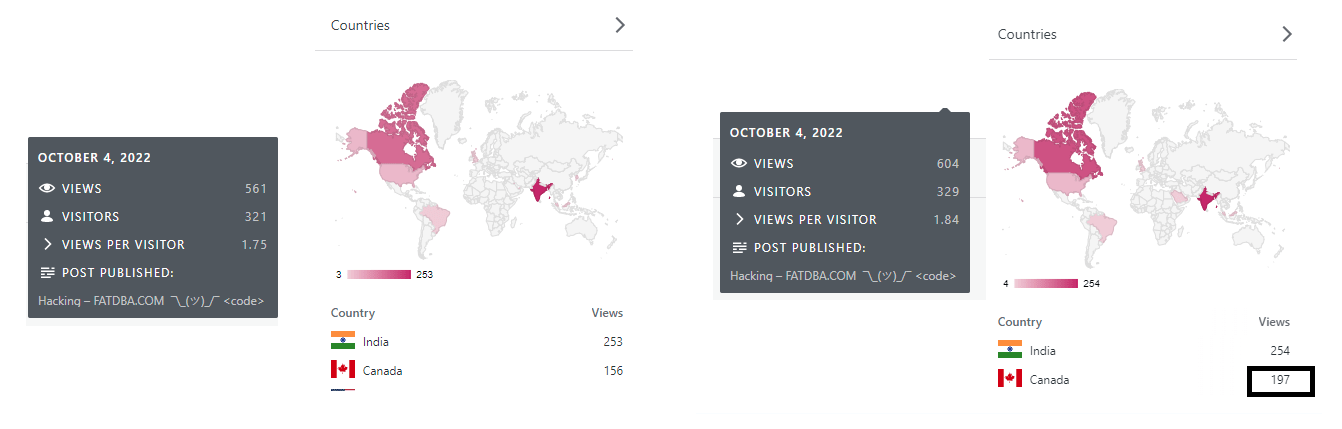
As you can See Max views are from Canada & India. With this, I thought of writing a Python Program to create traffic to my blog by reading my posts (so far ) using Selenium and Secure VPN.As I am connected to Canada VPN, you can see the Views below, Before and after .
In General QA Performs the same for App Testing Automation using selenium web driver and JS etc, Here I am using Python. Lets see the Code Part.
import codecs
from selenium import webdriver
from webdriver_manager.chrome import ChromeDriverManager
from selenium.webdriver.common.keys import Keys
import time
import os
import pandas as pd
import requests
from lxml import etree
import random
from selenium import webdriver
from selenium.webdriver.chrome.options import Options
from selenium.webdriver.chrome.service import Service
from webdriver_manager.chrome import ChromeDriverManager

options = Options()
options.add_argument("start-maximized")
options.add_argument('--headless')
options.add_argument('--disable-gpu')
options.add_argument('--ignore-certificate-errors-spki-list')
options.add_argument('--ignore-certificate-errors')

options.add_argument("--incognito")
driver = webdriver.Chrome(service=Service(ChromeDriverManager().install()), options=options)

def create_traffic(url):
        website_random_URL = url
        driver.get(url)
        time.sleep(5)
        height = int(driver.execute_script("return document.documentElement.scrollHeight"))
        driver.execute_script('window.scrollBy(0,10)')
        time.sleep(10)


main_sitemap = 'https://ramoradba.com/sitemap.xml'
xmlDict = []
r = requests.get(main_sitemap)
root = etree.fromstring(r.content)
print ("The number of sitemap tags are {0}".format(len(root)))
for sitemap in root:
    children = sitemap.getchildren()
    xmlDict.append({'url': children[0].text})
    with open('links23.txt', 'a') as f:
        f.write( f'\n{children[0].text}')


pd.DataFrame(xmlDict)
col_name = ['url']
df_url = pd.read_csv("links23.txt", names=col_name)
for row in df_url.url:
    print(row)
    create_traffic(row)
This Part is the Main Block, reading through my Blog post URL from the Links downloaded from the sitemap.
This Code Opens the URL in the Browser and scroll, The same can be configured using while loop forever by reading random posts from the Blog URL instead of all the Posts.
The More you execute the program, You will get more Traffic. Hope you like it.
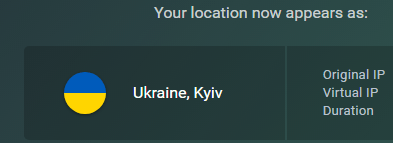
Lets Connect to Ukraine, Kyiv and get the views from there.
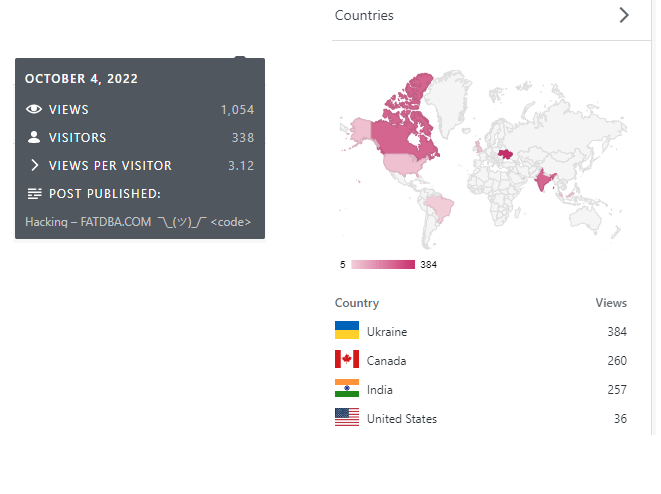
Lets Execute and see the Progress…..
After Execution, Views from Ukraine have been Increased.